My very own Book Journal
Although I' ve read like four books since the end of 2019 (it's 2021 now), I felt strong urge to build a website that will present my reading abilities to the whole world.
Yes, I could create a profile on Blogger, Medium, twitter or any other medium that's perfectly suited for what I want, but in doing so I would not create yet another Github repository just for the sake of making it, which I could later show to my potential employer for whom I plan to do absolutely different work than what's described here.
Sorry in advance for using words like "simple" and "easy" throughout this article as I have aversion to HTML and generally all WEB related projects, yet I started to build another. Welcome to my life.
Building the template engine
As I was lying in bed, thinking about this project "write it using C++" came to my mind. It did not feel like a bad idea, because I would practice some of my C++ skills. But what good would that be for? My education? Miss me with that sweet talk.
Anyways, in like ten minutes I whipped up a python script that does exactly the same thing as what I was planning to implement over the course of many hours in C++.
import jinja2

loader = jinja2.FileSystemLoader(searchpath='./templates')
env = jinja2.Environment(loader=loader)
template = env.get_template('index.html')

with open('index.html', 'w') as index_f:
    index_f.write(template.render())
And that's about it, now we just need to include some data. I have actually not written anything I want to put on this website, so we'll just fake it with some lipsum for now and hopefully I'll find some motivation to write the articles later.
{
  "Title": "My Custom Book Journal",
  "Books": [
    {
      "Title": "The first book i have ever read",
      "Author": "Alice and Bob",
      "Cover": "img/placeholder.jpg",
      "Review": "Lorem ipsum dolor sit amet, ..."
    },
    ...
  ]
}
The data is in json format as I could not think of any other format at the moment. We'll parse that with the awesome module for json that comes in the python standard library.
import json
with open('data.json') as data_json:
    data = json.load(data_json)
We also need to pass the data into the jinja environment when rendering the template. I could've written this into the first code block, but then this article would not be that long. So if you're reading this, don't forget to copy-paste this into the first block.
with open('index.html', 'w') as index_f:
    index_f.write(template.render(**data))
Building the Front-end
For the Visual side of things, I will be using bootstrap as writing vanilla CSS is not popular these days and including 229K of additional files onto your single page website is somehow OK for everyone.
In the beginning I wanted to show the sketch of the page, but I somehow managed to be stupid enough to delete it and PyCharms local-history did not save me this time. You're not missing much, the page is pretty straight forward. I did not have to look at the sketch the whole time, so you won't have to neither.
The page flow goes in this simple order:
- Title
- scroll view of all covers (carousel)
- short review/personal notes for Each book
Base / boilerplate
The base is copied from bootstrap, slightly modified (jinja2 directions) and have been used in many other projects.
<!doctype html>
<html lang="en">
<head>
  <!-- Required meta tags -->
  <meta charset="utf-8">
  <meta name="viewport" content="width=device-width, initial-scale=1">

  <!-- Bootstrap CSS -->
  <link href="https://cdn.jsdelivr.net/npm/bootstrap@5.0.0-beta2/dist/css/bootstrap.min.css" rel="stylesheet"
        integrity="sha384-BmbxuPwQa2lc/FVzBcNJ7UAyJxM6wuqIj61tLrc4wSX0szH/Ev+nYRRuWlolflfl" crossorigin="anonymous">

  <!-- We don't do that here
  <script src="https://cdn.jsdelivr.net/npm/bootstrap@5.0.0-beta2/dist/js/bootstrap.bundle.min.js"
          integrity="sha384-b5kHyXgcpbZJO/tY9Ul7kGkf1S0CWuKcCD38l8YkeH8z8QjE0GmW1gYU5S9FOnJ0"
          crossorigin="anonymous"></script>
  -->

  <title>{{ Title }}</title>

  {% block header %}
  {% endblock %}
</head>
<body class="bg-light">

<div class="container">
  <div id="PageTitle">
    <h1 class="display-1 mb-5 text-center">{{ Title }}</h1>
  </div>
  {% block content %}
  {% endblock %}
</div>

</body>
</html>
Everything that will be on the page is pushed inside .container.
Headers can also be injected, that will be useful for css.
Page body
At the start we'll include the article macro, which will be described later, and some css file which we don't have to care about either.
{% extends "base.html" %}
{% import "m_article.html" as m_article %}
{% block header %}
  <link href="css/index.css" rel="stylesheet">
{% endblock %}
The title is already inserted from the base, so now we have to insert the cover showcase. It's somehow similar to carousels, but it's not exactly the same as what bootstrap has to offer.
For now, we'll use a scrollable element and replace it later. Unfortunately the behaviour I would like to see requires usage of JavaScript (ewww), so the "later" might actually turn to be never.
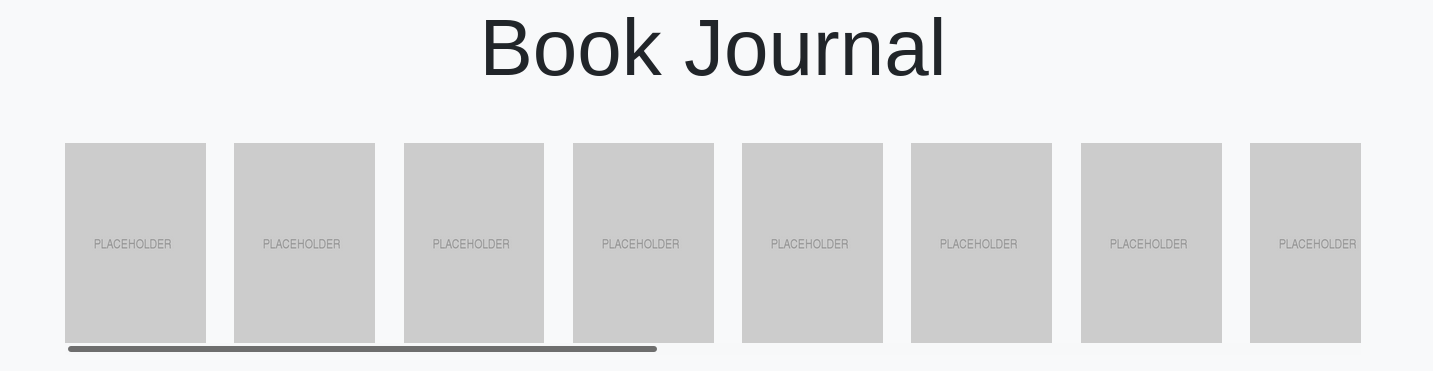
The href is for easier navigation from the showcase to the article itself. This will come in handy when the page will be overflowing with articles(sarcasm included)
<div class="showcase mb-5">
  {% for book in Books %}
  <a href="#{{ book.Title }}">
  <img src="{{ book.Cover }}" alt="{{ book.Title }}" class="showcase me-4">
</a>
  {% endfor %}
</div>
For the CSS we need to do two things
-
limit the image size, so it does not take up the whole page
img.showcase { max-width: 200px; max-height: 200px; } -
enable vertical scrolling
div.showcase
{
    overflow: auto;
    white-space: nowrap;
    scroll-behavior: smooth;
}
Article section
First, we'll design single article and create a macro from it.
The article will be structured into two columns, one with Image and the other, wider, with the text of the article. In order to benefit from caching, premature optimizations and from our own laziness, images from the showcase are re-used.
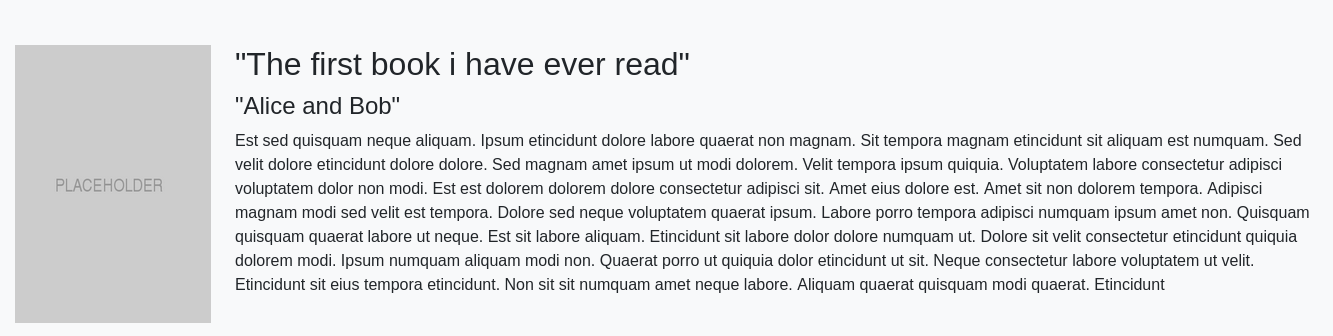
The important part here is to use padding and not margins for better experience when using the Showcase for navigation. That's because the padding is included in what the browser scrolls to (margin is not) after following the URI fragment.
  <div class="row pt-5" id="{{ Title }}">
    <div class="col-2">
      <img src="{{ Cover }}" alt="{{ Title }}" class="mw-100">
    </div>
    <div class="col-10">
      <h2>{{ Title }}</h2>
      <h4>{{ Author }}</h4>
      <p>{{ Review }}</p>
    </div>
  </div>
NOTE: The columns are not breaking up on mobile devices properly
All we have to do now is fill the page with our reviews!
<div id="BookReviews">
{% for book in Books %}
  {{ m_article.article(**book) }}
{% endfor %}
</div>
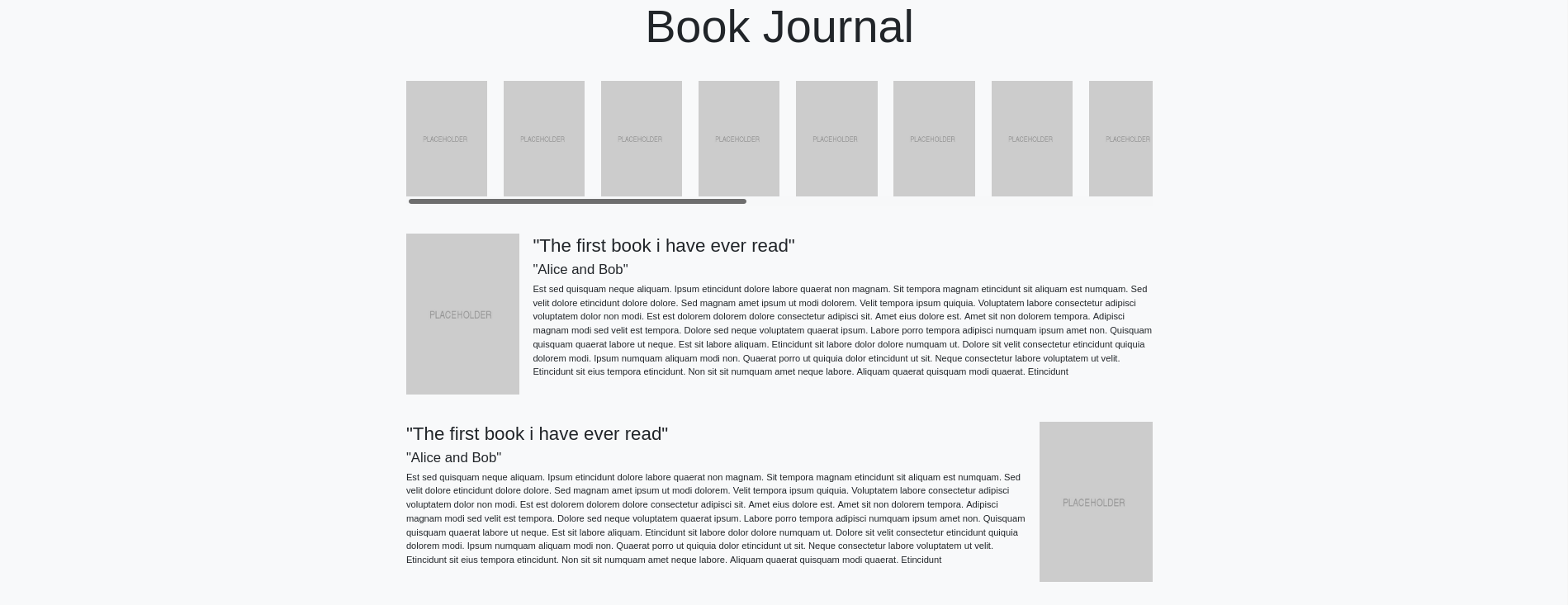
We can spice it up a little and move every other cover image to the other side, so it breaks up the flow a little.
#BookReviews div:nth-child(odd) .col-2,
#BookReviews div:nth-child(even) .col-10
{
    order: 1;
}
And that's about it.
Deploying
I've covered this in another article I think. One feature that I am missing is build-step in github-pages. I know it somehow works with Jekyll, but I have no idea how github actions work. I might switch to GitLab as I use it almost every day at work and am more accustomed to it, or learn to use actions and write about it.
Future will decide.
Conclusion
The page looks nicely, minimalistic and clean. That's what I like that. The page is still usable with CSS turned off (watch out for the resolution of covers) and does not look that bad. Showcase could have some nicer scrolling navigation, but shift+wheel or mouse dragging for the older generation are for now acceptable.
As always I do regret that I've used CSS library that's like 20 times larger that the current index.html file and
three times larger than what the apollo 11 guidance computer had available.
But that's where the current trends are and currently I'm the only one using that page, so there is not a single soul
who can tell me otherwise.
Now that I have a project full of lorem ipsum placeholders I should go on and actually write some content to put into it.